
Library Cards
Learn about our NEW Child and Teen Library Cards!
You can get your FREE library card from any Pikes Peak Library District (PPLD) location and use it all PPLD locations throughout El Paso County. Privileges include full access to PPLD's collection of:
- Books, DVDs, magazines, video games, and more
- eBooks, eAudiobooks, eMagazines, and downloadable or streaming music and videos
- Computers, Laptops, and Hotspots
- Databases, including LinkedIn Learning, Mango Languages, Data Axle, Regional History & Genealogy resources, and more
Visit our Check-Outs page for more information on item limits, renewals, holds, and much more.
Quick Links
Library-Maxxing
During October, learn how a library card can help you avoid FOMO (Fear of Missing Out).
There Are Three Ways You Can Get a Library Card:
Option 1:
Stop by any PPLD Library
Option 2:
Print a Library Card Application
Print a Library Card Application (en español, Korean, Mandarin, Vietnamese), fill it out, and bring it in.
Option 3:
Apply Online
Complete our Library Card Application for access to most of our online resources. Visit any PPLD library within 30 days and verify El Paso County, Colorado address residency to access all benefits of a library card.
Replacement cards cost $1.00
Library Card FAQ
Your PIN is a numerical password that is assigned to your account when you first receive a library card.
Staff are unable to see your account PIN number, and therefore we are unable to provide you with your PIN number if forgotten. Please use the "I forgot my password" link to reset your password.
Online: Go to the Catalog and click on Log In or My Account and use the Forgot my PIN link to reset your PIN. This feature only works if there is a valid email address in your PPLD account.
In Person: Visit any Library location with your library card and picture ID.
Phone: Call any Library location and staff will ask you to provide: Full name, library account number, date of birth and contact information that matches your account (email address, phone number or address). Once verified, staff will reset your PIN number.
Guess at it: Try the last four digits of your phone number, birth year, ATM PIN, or other sequence of numbers you may have asked us to use. Many of our PIN numbers are four digits long.
If you aren't already there, please navigate to the online catalog.
MY ACCOUNT: Login Instructions
Enter your library card number and Password/PIN.

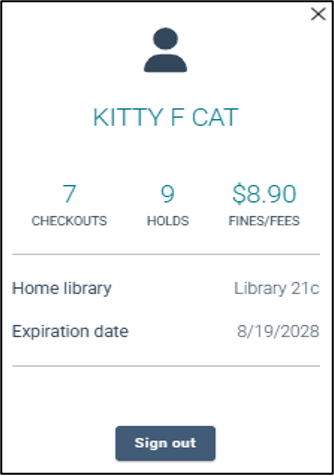
Once you are logged in, click on your name for a summary of your account. Items in light blue are hyperlinked for quick access.
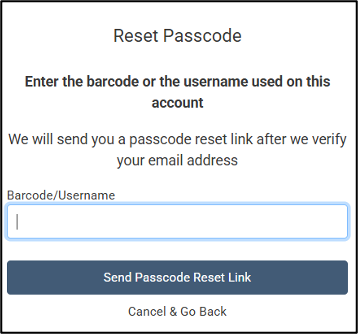
If you forget your password, reset it by clicking “I forgot my password/PIN” in the login box. A “Reset Passcode” box will appear and prompt you to enter your library card number. A reset link will be sent to the email address on your account. If you do not have an email address listed on your account, please visit any PPLD location with your picture ID.
Library Card Application for schools (en español, Korean, Mandarin, Vietnamese)
Instructions:
- Print out the attached Library Card Application for each student.
- If the students are 15 years of age or younger, the application goes home to the parent/guardian to sign, OR if the student is 16 years of age or older, student can fill it out and sign it
- The teacher or school librarian looks at each application and signs it to make sure that all the information is on the application and that it is legible (to folks who don’t read students' handwriting for a living!).
- Drop off the applications at a Library location with "Attention: FCS Programming at The Hall" for grades K - 5 or “Attention: YAS Programming at The Hall" for grades 6 - 12. It is helpful to have the applications in packets by class.
- We will enter the applications and issue or update cards.
- When the library cards are ready for pick up, we will transfer them to a Library that is convenient for the educator. OR, if the educator has scheduled a classroom visit Library staff can bring them during the visit.
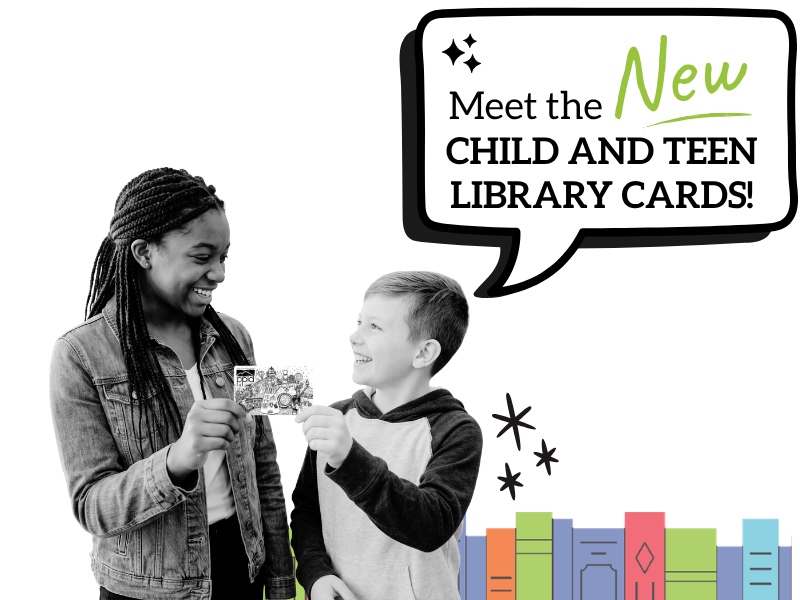
Child and Teen Library Card
Pikes Peak Library District (PPLD) child and teen library cards provide parents with options for their families to determine what materials are available for check out or access via the Library District’s locations, eLibrary, databases, and resources.
We know parents oversee their children’s reading and access to Library resources, and the child and teen library cards are a tool to help parents manage access to materials based on age and classification if the parent chooses this option.
Child Cards
Child cards are available to children 0 - 12 years old and restrict materials and resources to those classified “J” for the library’s juvenile collection. Children with these cards cannot check out teen or adult materials.
Access to computers is limited to computers located in the children's areas in the Library locations where they are available. Child cards also provide access to online databases, homework help, test preparation materials, and other online resources for school. Computers in adult and teen areas are not accessible with a child library card.
Teen Cards
Teen cards limit resources and materials to those classified as “teen.” No books or other resources that are classified “adult” are available with a teen card. Teen cards may also access materials classified as “juvenile.”
Access to computers is limited to computers located in the teen designated areas and the makerspace computers. Teen cards also provide access to online databases, homework help, test preparation materials, and other online resources for school. Computers in adult areas are not accessible with a teen library card.
eLibrary Guidelines
Parents or guardians who opt for full-access library cards for their minor children still have options for parental controls for online resources.
Libby/OverDrive, Hoopla, and Kanopy all offer ways to set parental controls for minors. Hoopla and Kanopy, two online resources for audiobooks, eBooks, and movies, are not available with a child or teen card. Find out more at our eLibrary page.
Child and Teen Library Card FAQ
PPLD allows parents to choose which materials are appropriate for their children by providing the options for all-access cards, teen cards, and child cards. Each type of card comes with different access settings for in-Library internet use and borrowing permissions for physical and online resources based on the card selected by the parent.
If a parent or guardian selects a child or teen library card for their child(ren), the parent or guardian is choosing to give their child(ren) age-appropriate access to Library materials and services.
A child library card allows children from birth through the age of 12 to check out materials that are classified as “J” for our juvenile collection. When a child turns 13, a child library card will automatically update to a teen library card.
A teen library card allows children ages 13 – 17 to access materials in the children and teen sections. When a teen turns 18, a teen library card will automatically become a full-access library card.
Yes. Parents have the option of choosing between an age-appropriate card or a full-access card. They cannot choose a lower age level card.
Children of any age can sign up for a library card without their parents present — for instance, if children come in with a babysitter or a family friend. At this time, they will be given an all-access card. PPLD staff will mail an introduction letter and the library card to the parent providing information about different levels of access for children. Parents must come into the Library to change their children’s access levels.
Any library card issued to a minor 17 years old or younger, prior to August 1, 2026, is a full-access library card. Any parent or guardian who wishes to change their minor child(ren)'s library card to a child or teen library card, can bring the minor child and their library card into any Library location and request the child’s card to be changed to the age-appropriate level library card. Both parent/guardian and child must be present to make library card access changes. This change cannot be made over the phone or via email.
PPLD only collects the information needed to create and manage the Library account. All personal information is handled according to PPLD privacy policies and applicable laws.
Children or teens can check out age-appropriate materials, including books, DVDs, video games, and materials from age-specific levels. They can also access databases for schoolwork. Other online resources available include access to TumbleBooks, World Almanac for Kids, and HelpNow.
Child library card holders can access juvenile titles in Libby and OverDrive, while teen library card holders can access juvenile and teen titles. While they will be able to see adult titles, they will not be able to check out, or place holds on those titles.
No. Checkouts from the adult section are not available to child and teen library card holders. This includes many classics identified as adult materials but may be required to read in high school, as well as non-fiction materials such as biographies. Child and teen library card holders will not be able to use Kanopy or Hoopla to check out electronic materials on those platforms.
Child cards are limited to computers in the children and tween areas, while teen cards are limited to computers in the teen areas. Computers in adult areas are not accessible with a child or teen library card.
Are there any exceptions?
The computers in the makerspaces, which are open to children ages 9 and older, are not restricted and provide full access to the internet. These computers are available for use with child and teen library cards.
Child and teen library card holders have access to:
- Research databases
- Homework help
- Language learning
- Test preparation
- Creative tools
- Libby/OverDrive
- Digital newspaper and magazine archives
Parents or caregivers are responsible for their children’s behavior and safety. Children ages 8 and under must be within eyesight of parent, guardian, or caregiver at all times while inside the Library.
Yes. PPLD library cards can be used across the Library District.
Yes! Library staff can help children, teens, and families find books and resources based on age, reading level, interests, and family preferences.
Yes. Child and teen card holders can place holds on materials in PPLD's Catalog using their library cards for items in the juvenile and/or teen collections. They will not be able to place holds on materials in the adult collection. Child card holders cannot place holds on items in the teen collection.
Parents and guardians are encouraged to talk with their children about Library materials and family expectations. Library staff can help families find materials that better match their preferences.
PPLD has a formal reconsideration process, which can be found here. (Reconsideration of Library Resources and Use of Library Facilities Policy | Pikes Peak Library District)
The cardholder receives late notices sent to the email on the account.
Each Library account can be setup to provide reading history in the “opt-in to reading history” section. Anyone who has access to an account can view the history if the account has selected reading history in the Edit Account Information page.
The parents will need to share the account information with each other.
Parents and guardians are responsible for late or lost items.
The limit is the same as a full-access card, 100 items per library card.
Staff will tell the patron with a child/teen library card they do not have permission to check that item out, and the child/teen will need to discuss changes to their card’s permission with their parent.
Educator Card
The Educator Card is designed to support teachers, educators, and homeschooling families. With the Educator Card, benefits include:
- 50 item checkout limit.
- Checkout period of six weeks and one renewal.
- If the item is normally able to be auto-renewed, it will be auto-renewed for the Educator account.
- No overdue fines.
- Can be obtained in addition to an individual library card.
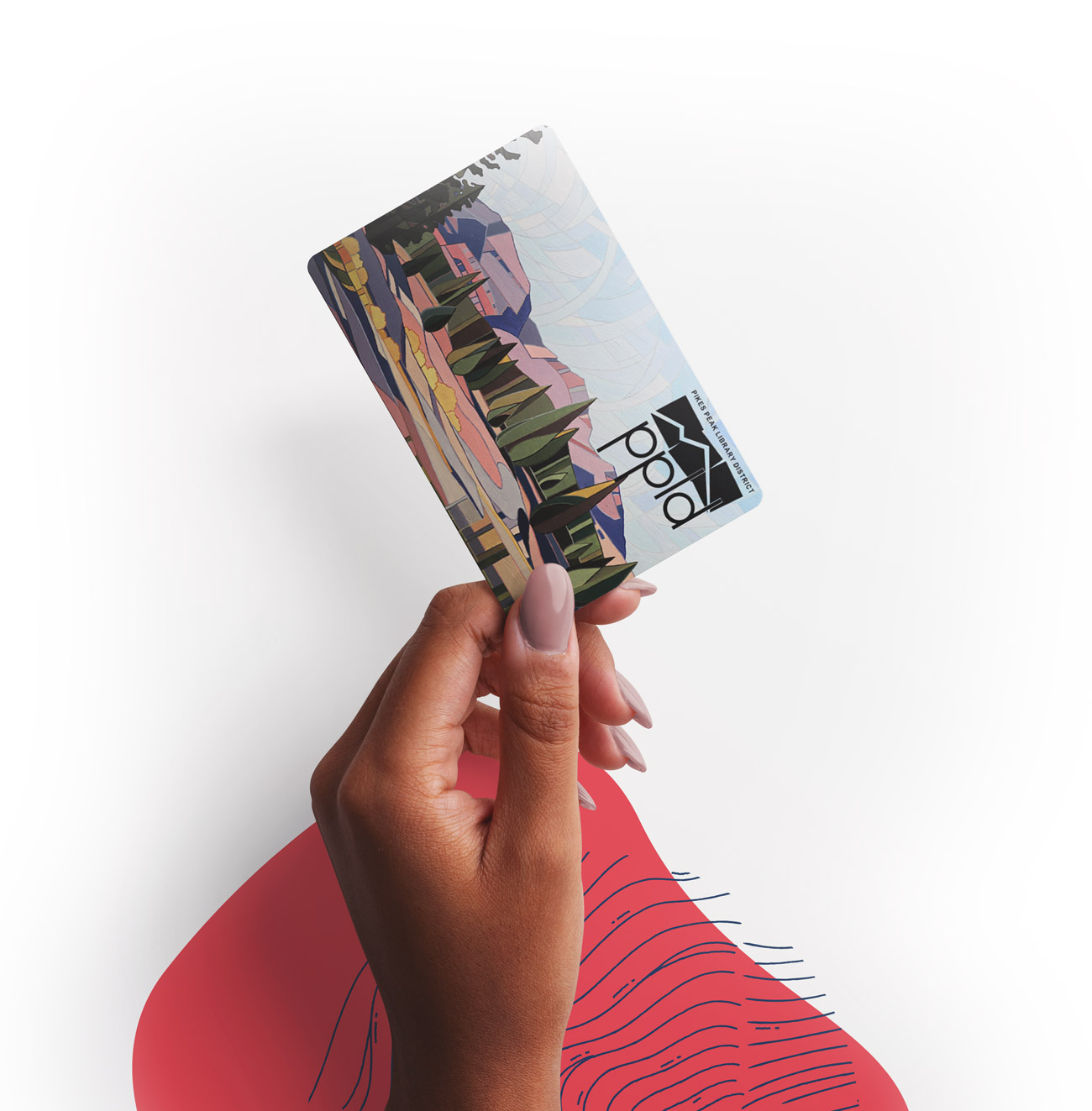
Educator Card Details
Teachers and educators: preschool - grade 12 and post-secondary (university or college educators); includes households that homeschool. The Educator Card is separate from an individual patron account. A person who is an educator could have both accounts.
Educators will show their school ID badge.
Homeschoolers will show one of the following:
- “Notice/Letter of Intent to Home School” with child’s name and address, plus school district involved. The school needs to be in El Paso County.
- ID card or documentation from an umbrella school that handles the administrative paperwork for the homeschool student. The umbrella school does not have to be in El Paso County, but the homeschooler must reside in El Paso County to be eligible for the Educator account.
- Current Colorado teaching license.
For kindergarten only: if a parent is homeschooling their child for kindergarten, they will be exempt from providing the letter of intent or a Colorado teaching license and will be issued an Educators card.
Accounts will have a one-year privilege. Educators will have to show educator proof annually to renew their Educator Card.
- 50 item checkout limit*.
- Checkout period of six weeks and one renewal.
- If the item is normally able to be auto-renewed, it will be auto-renewed for the Educator account.
- No overdue fines.
*Interlibrary Loans cannot be placed on an Educator account.

Other Information
For more information, including cards for out-of-district patrons (Colorado Library Cards/700 Cards), see our Library Card Policy.
PPLD offers a wide variety of items available for check-out.