Contact Us
Choose one of the following options:
FAQ
The Board of Trustees contact information can be found on the Board of Trustees webpage.
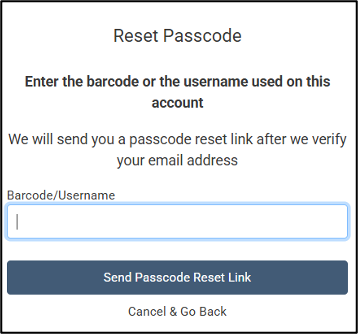
If you forget your password, reset it by clicking “I forgot my password/PIN” in the login box. A “Reset Passcode” box will appear and prompt you to enter your library card number. A reset link will be sent to the email address on your account. If you do not have an email address listed on your account, please visit any PPLD location with your picture ID.
If you visit our eLibrary troubleshooting guide, you will find FAQs for our different services (OverDrive, Libby, etc.). If the FAQ cannot help you resolve the issue, you can place a help ticket with them directly using the provided links in the eLibrary troubleshooting guide.
If you aren't already there, please navigate to the online catalog.
MY ACCOUNT: Login Instructions
Enter your library card number and Password/PIN.

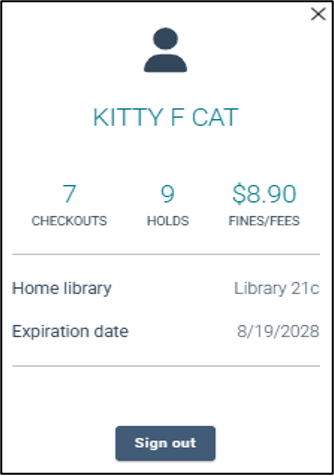
Once you are logged in, click on your name for a summary of your account. Items in light blue are hyperlinked for quick access.